Hub Shop
Shop · Storage Tab of the Orbital Station
The game’s only merchant is the Shop panel in the Storage tab of the hub menu. There are no roaming traders and no player-to-player trading. The shop opens only after a successful extraction; a failed raid locks the counter until the next successful one. The stock grows as you research nodes of the tech tree.
What You Pay With
| Main Currency | Crowns |
| Not Only Crowns | Some prices are set in items: the Timed Bomb costs 5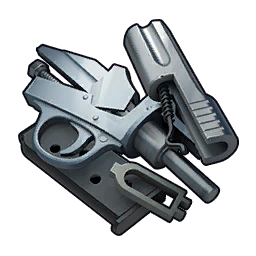 , Worn cannons cost crates of Chardonnay (field observations) , Worn cannons cost crates of Chardonnay (field observations) |
| Research | Tech tree nodes: Crowns + items (e.g. Weapons I — 1,500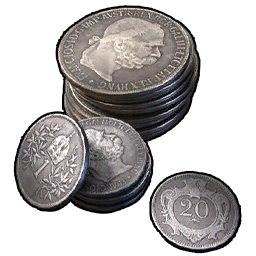 + 200 + 200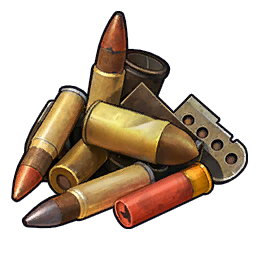 ) ) |
| Barter | Contract platforms at forts trade items for items (e.g. 250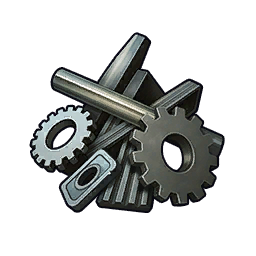 → 1,000) → 1,000) |
How to Buy
- Extract successfully — otherwise the counter is closed.
- Hub → Storage → Shop: pick items; the order window shows the total.
- Hold spacebar to confirm.
- Selling mirrors buying: LMB sells the whole stack, RMB sells part of it, confirm with the same spacebar hold.
- Storage has a capacity cap that can be expanded with upgrades.
Clerk’s NoteThe "buy = sell × 2" rule is unconfirmed by research: the only known pair is Mechanical Parts (sell 1, buy 2). Confirmed buy prices are recorded on item cards; the rest will follow as reports come in.
). Confirmed buy prices are recorded on item cards; the rest will follow as reports come in.Filed Under